
What Komodo Go Can Do
Komodo Go is a mobile client for the Komodo platform. It's not trying to replace the web UI — just makes things easier when you're on your phone.
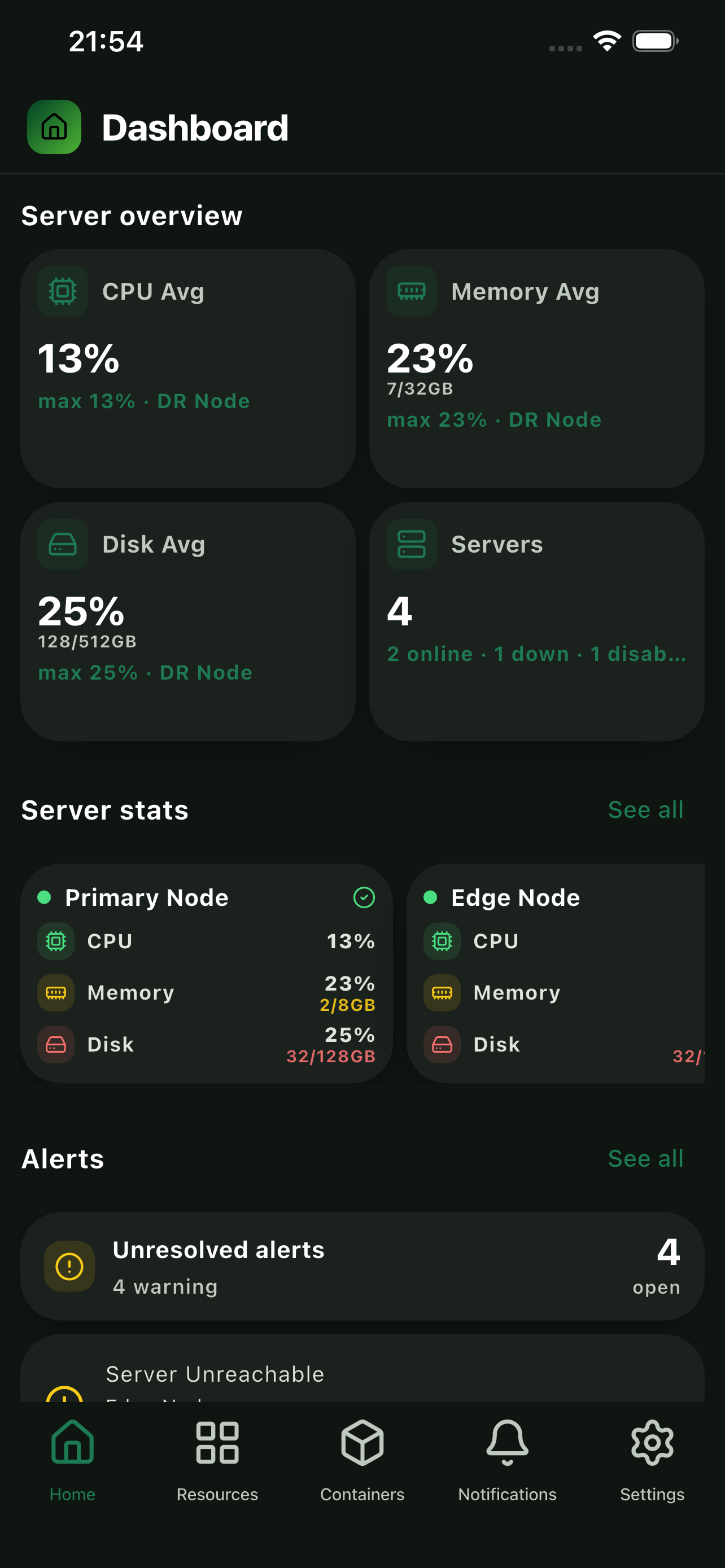
Dashboard Overview
CPU, memory, disk usage, server health, and active alerts — all on the first screen when you open the app.
- CPU, memory & disk metrics
- Server health status
- Unresolved alerts listed up top
- Per-node statistics breakdown
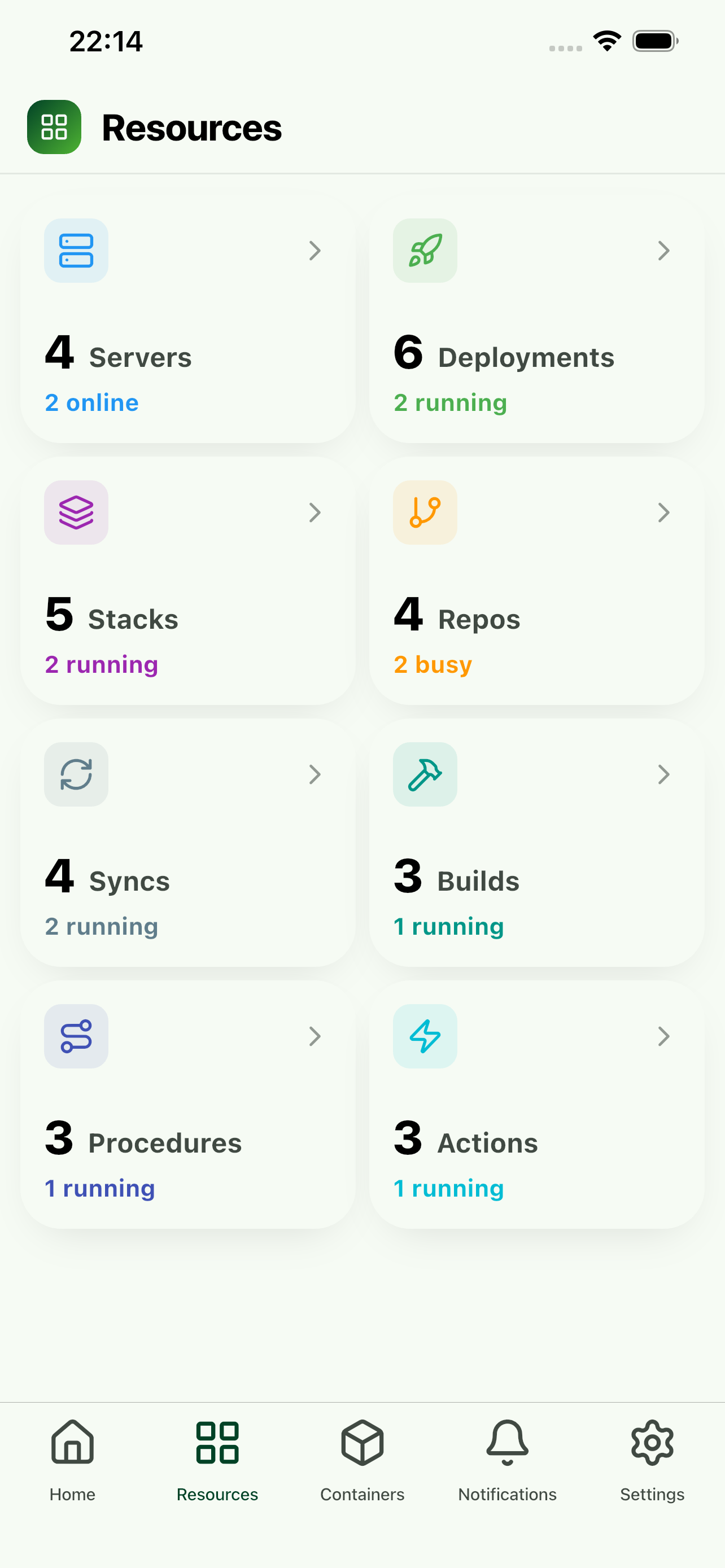
All Komodo Resources
All your Komodo resources in one place — deployments, stacks, repos, builds, syncs, procedures, and actions with their current status.
- Resource counts and status at a glance
- Drill into any resource type
- View logs for deployments, stacks, and more
- Quick actions via context menu
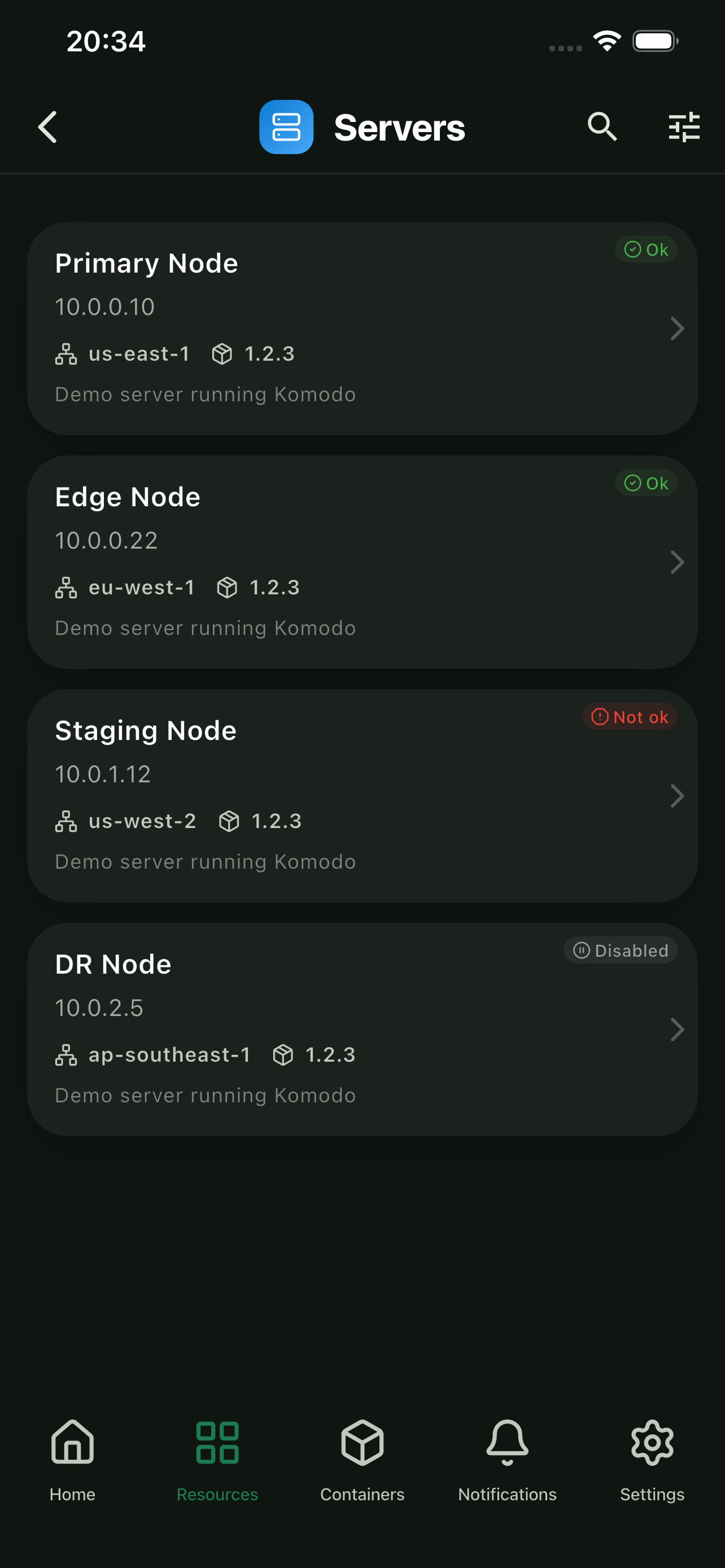
Server List
Browse all your servers, check their status, and drill into system metrics. IP addresses, load averages, regions — it's all there.
- All servers with live status
- Hardware & software metrics
- Region, version & description info
- Search and filter
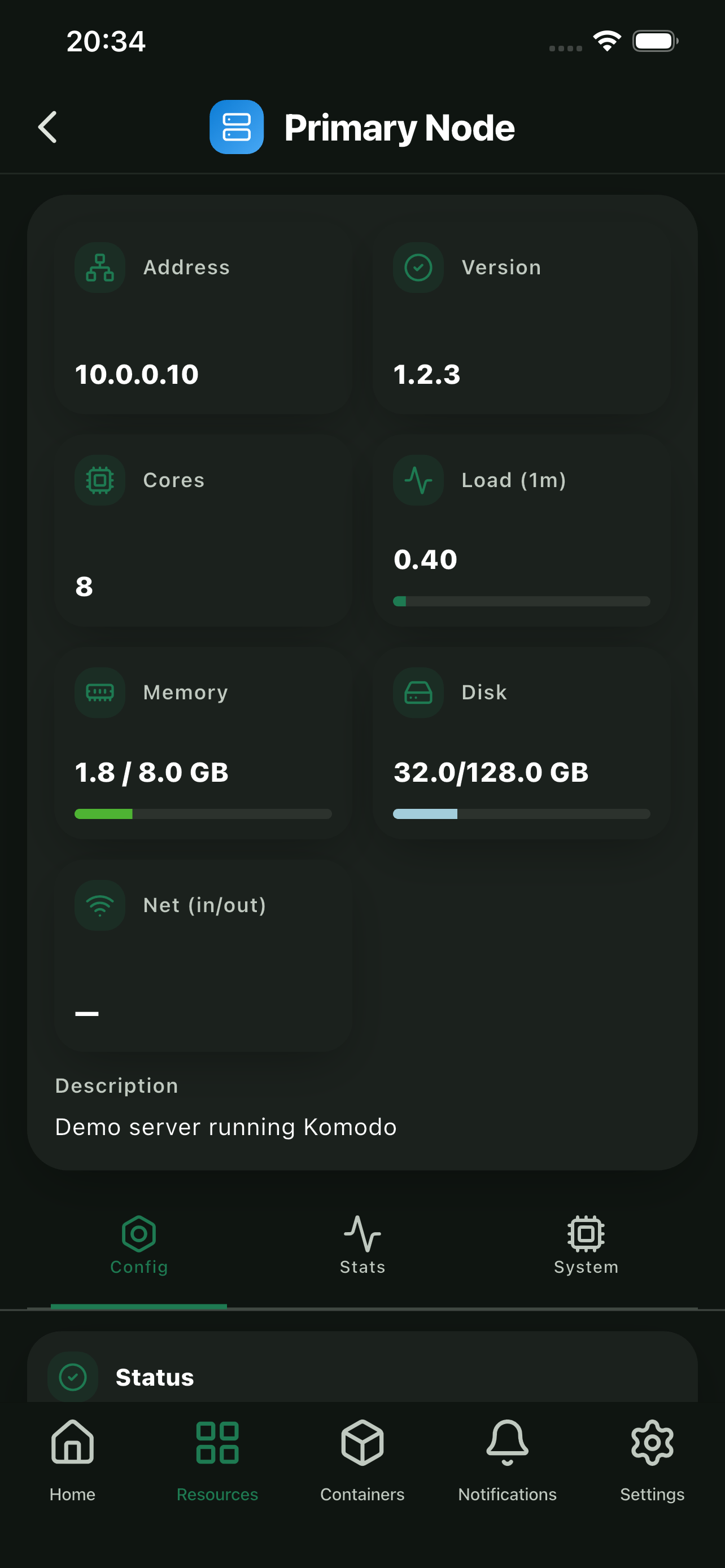
Server Details
Tap any server for cores, load, memory, disk, and network I/O. Switch between config, stats, and system tabs.
- Load, memory & disk gauges
- Network I/O monitoring
- Config, Stats & System views
- Server description & metadata
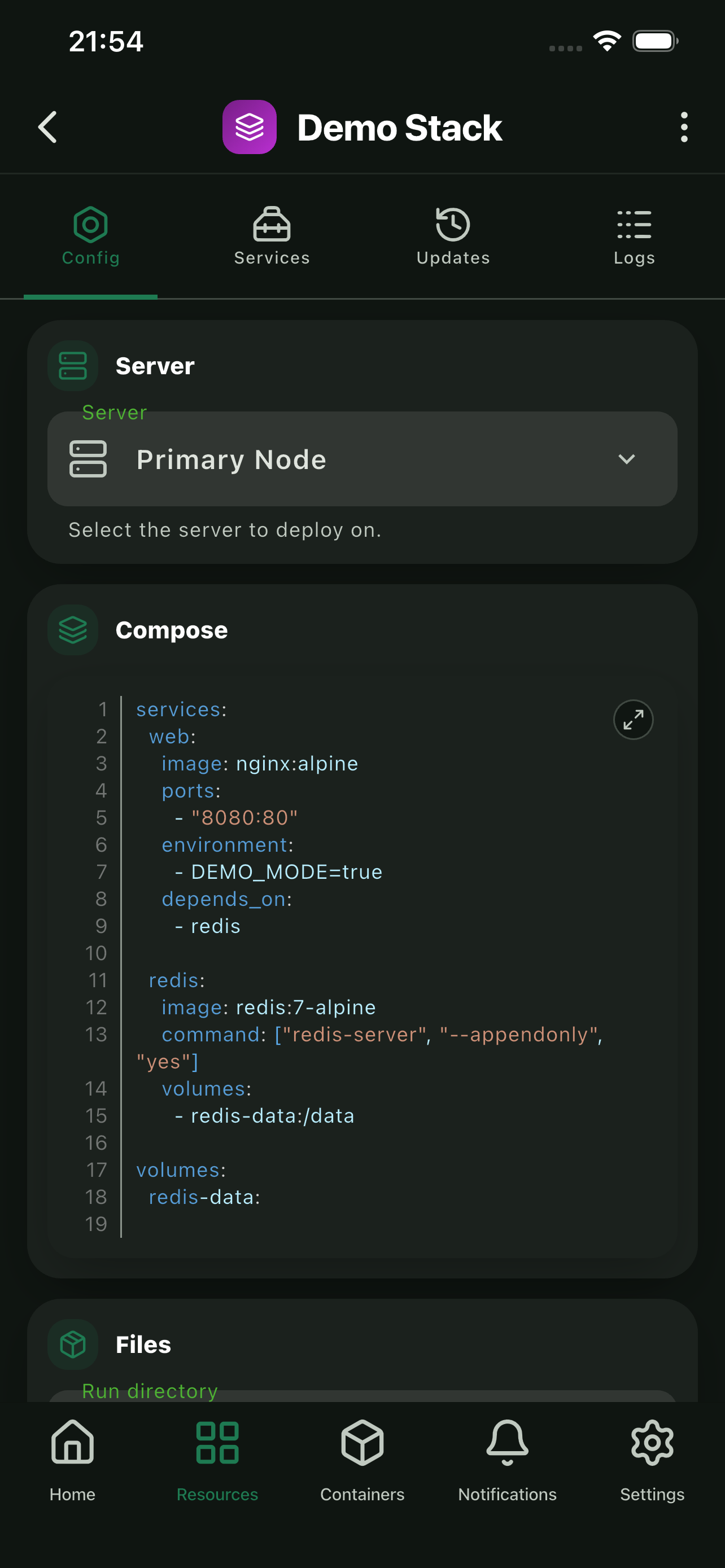
Stack Configuration
View and edit your Docker Compose stacks. Modify the compose file directly, manage environment variables, and track deployment status.
- Full compose file editor
- Environment variable management
- Deployment status & history
- Quick deploy and restart actions
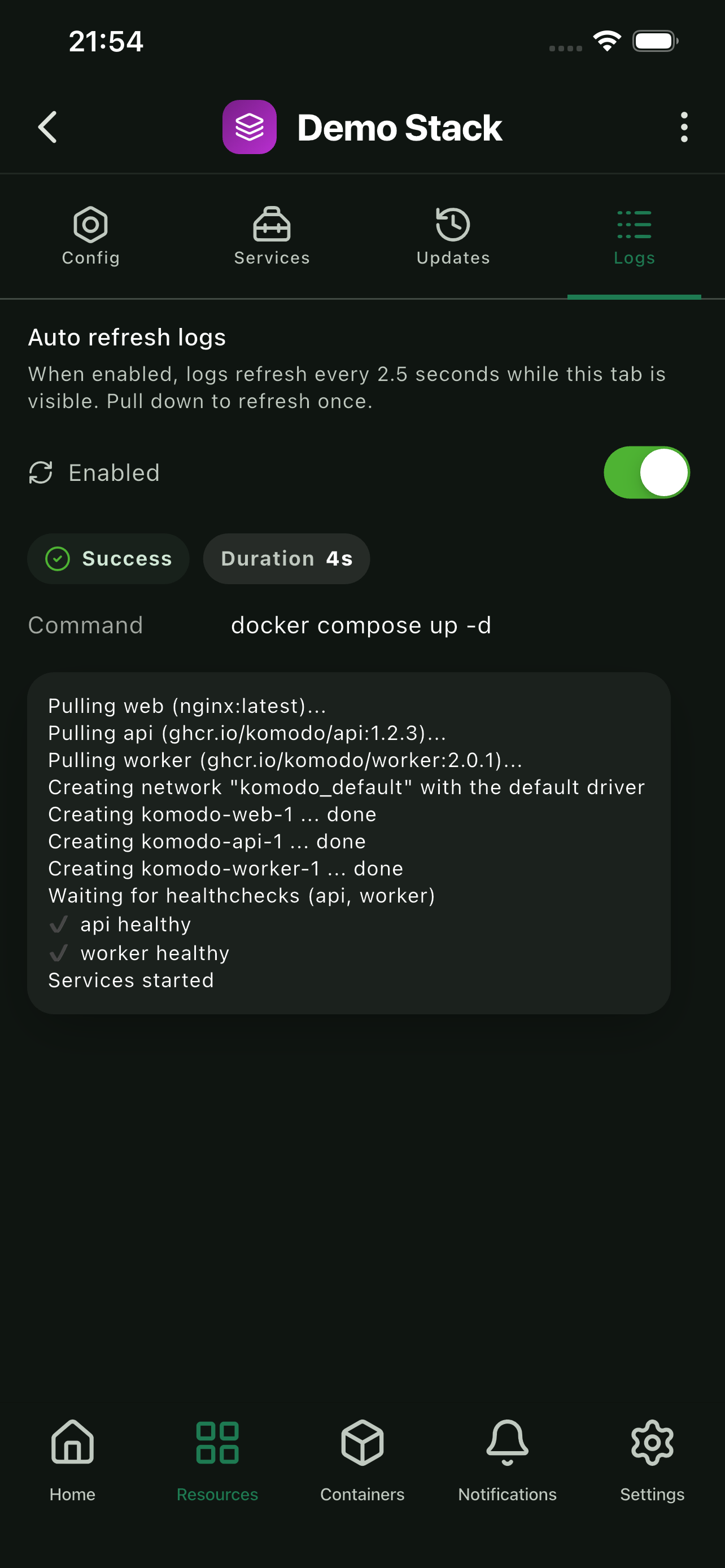
Stack Logs
Real-time log streaming for your stacks. Filter by service, search through logs, and troubleshoot issues on the go.
- Real-time log streaming
- Filter logs by service
- Search through log output
- Auto-scroll with manual override
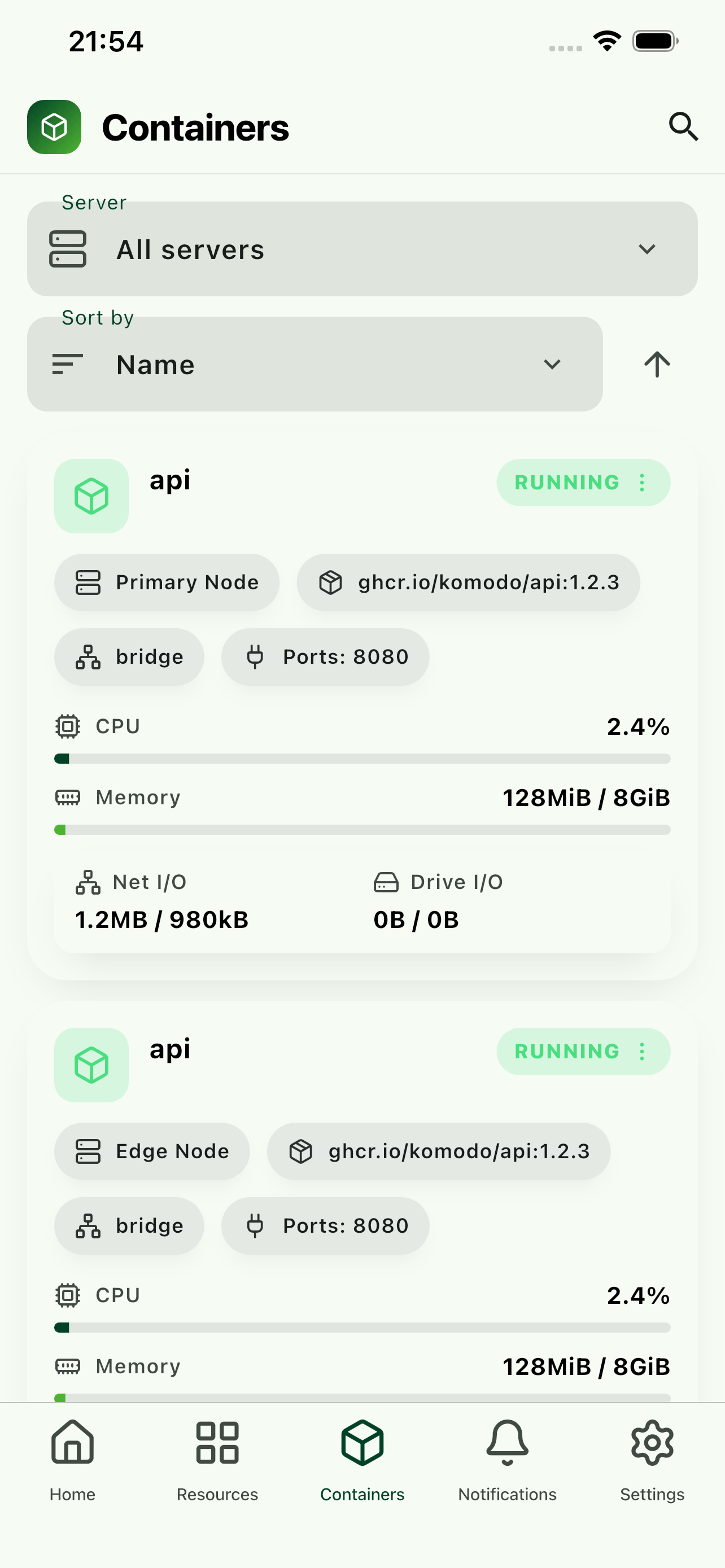
Container Management
See CPU and memory usage, port mappings, network config, and I/O stats for every container across your servers.
- Cross-server container overview
- CPU & memory metrics
- Port mappings & network details
- Filter by server or sort by name
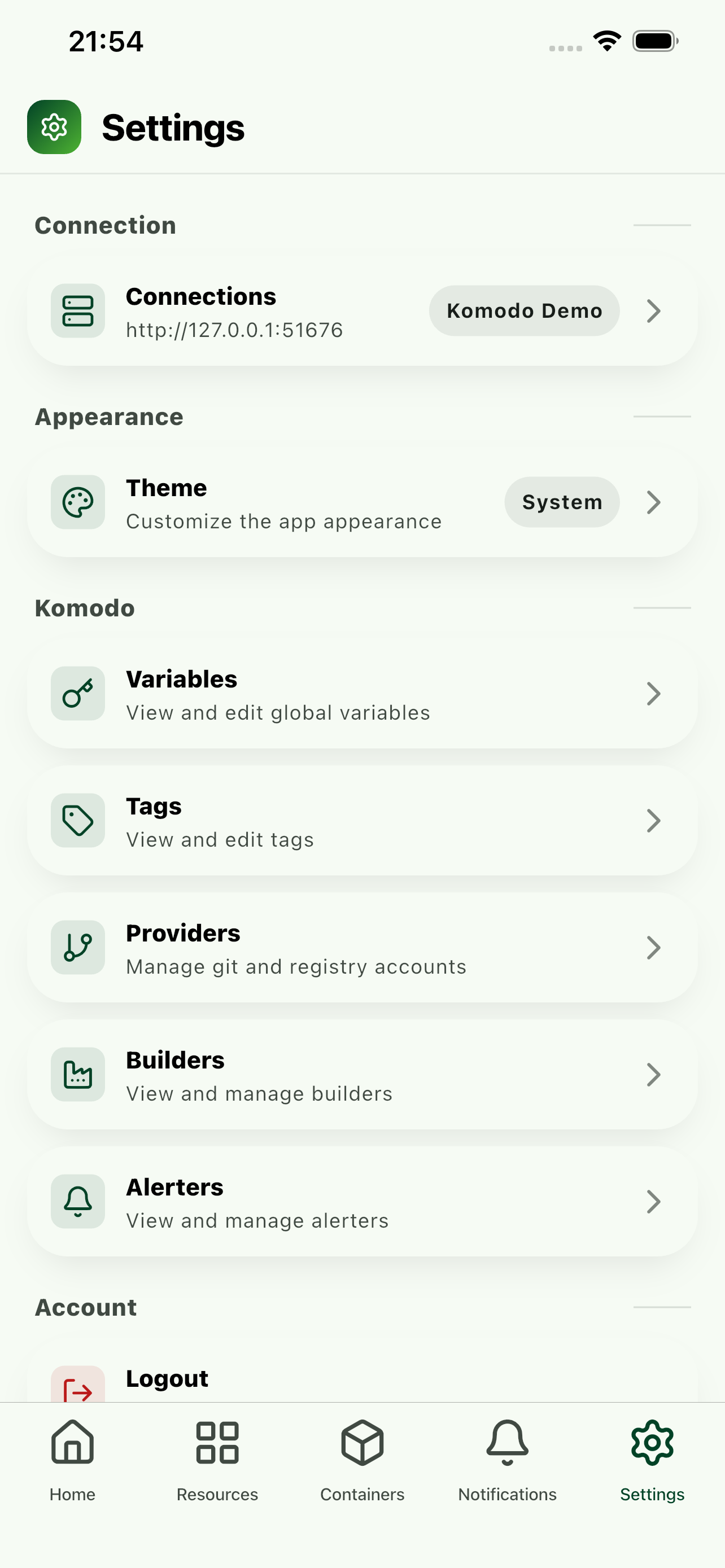
Settings & Config
Manage connections, switch themes, configure variables, tags, providers, builders, and alerters.
- Multiple connection profiles
- Dark, light & system themes
- Variables, tags & providers
- Builder & alerter configuration

Other Features
A few more things worth mentioning
Alerts & Notifications
View and configure alerters. Push notifications planned.
Multi-Connection
Switch between Komodo instances — staging, production, homelab, etc.
Log Viewer
View logs for deployments, stacks, builds, and other resources right from the app.
Secure Credentials
API keys stored locally using Keychain (iOS) and Keystore (Android).
Get Komodo Go
Komodo Go is now available on the App Store and Google Play. Install it on your phone and manage your servers from anywhere.